Table of Contents
Did you know that 60% of hiring managers form their first impression of candidates within the first five minutes of a virtual meeting? With 85% of companies now using video platforms like Zoom or Microsoft Teams to screen applicants, presenting yourself professionally online isn’t optional—it’s critical to landing the job.
Whether you’re applying for a hybrid role or fully in-office position, most employers start with a virtual conversation. This shift means you need to master skills like optimizing your lighting, testing your Wi-Fi, and practicing answers while maintaining eye contact with the camera. Technical hiccups or a distracting background could cost you opportunities before the real discussion even begins.
Preparation builds confidence. Spend time researching the company’s culture, rehearsing responses to common questions, and framing your screen to highlight professionalism. Small details—like positioning your camera at eye level or silencing notifications—show you respect the interviewer’s time and take the process seriously.
This guide breaks down actionable steps to create a polished virtual presence, troubleshoot tech issues in advance, and showcase your best self. Let’s turn your next video call into a career-changing experience.
Key Takeaways
- Test your internet connection, camera, and microphone at least 30 minutes before the call.
- Research the company’s values and recent projects to tailor your responses.
- Position your camera at eye level and ensure your background is clean and professional.
- Practice answering questions aloud while maintaining natural body language.
- Keep a list of key achievements nearby to reference without staring at notes.
Understanding the Remote Interview Landscape
Over 70% of recruiters now prefer virtual meetings for initial candidate screenings. Advances in collaboration tools and shifting workplace norms have made video calls the new standard for early hiring conversations. Companies save an average of 3 hours per hire by eliminating travel time, while candidates gain access to roles beyond their geographic limits.


The Rise of Virtual Interviews
Platforms like Zoom and Microsoft Teams have transformed how teams connect with potential hires. A 2023 LinkedIn survey found that 67% of hiring managers conduct first-round assessments through video calls—even for in-office roles. This shift creates opportunities for both sides: employers streamline scheduling, and applicants showcase skills without commute stress.
“Virtual interviews cut screening time by 40% while expanding access to top talent,” notes Sarah Lin, HR Director at TalentBridge Solutions.
Why Remote Interviews Are Here to Stay
Flexibility drives this change. Teams can evaluate candidates across time zones, and you can present your best self from a comfortable environment. Clear communication matters more than ever—using concise language and maintaining eye contact builds trust through screens.
Adapting to this landscape means understanding its rules. Prepare answers that highlight collaboration skills, and practice delivering them naturally. Remember, your setup—from lighting to internet speed—speaks volumes before you say a word.
Setting Up Your Home Interview Environment
Your physical space plays a bigger role than you might think. A cluttered room or flickering screen can shift focus away from your qualifications. Let’s transform your space into a polished stage that highlights your professionalism.
Choosing the Right Background and Lighting
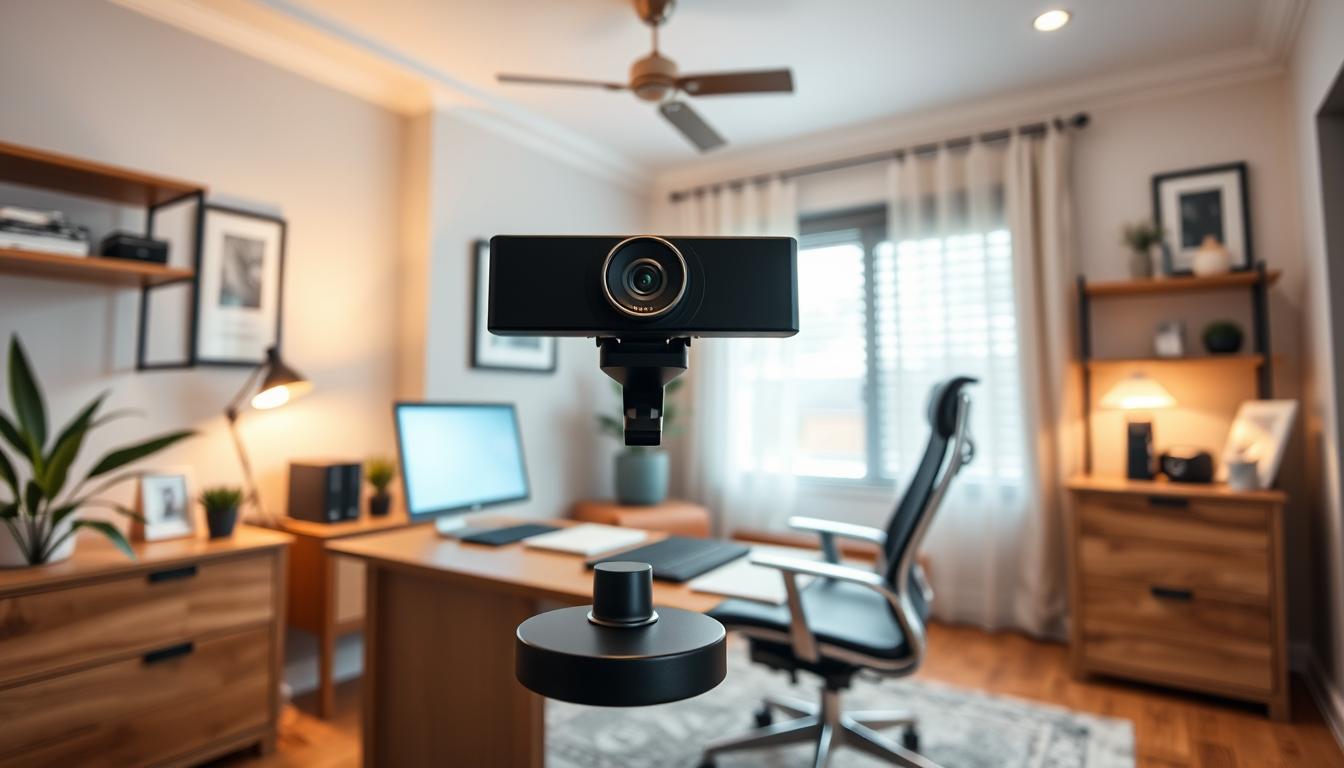
Position your camera at eye level to avoid unflattering angles. Use natural light from a window or a ring lamp to eliminate shadows. A plain wall or tidy bookshelf works better than busy patterns—they keep attention on your face.
Ensuring a Reliable Internet and Tech Setup
Test your internet connection 24 hours before the call. Close unused apps to boost speed. Plug in your laptop and check microphone clarity. One study found that 43% of hiring teams reconsider candidates if tech issues disrupt the conversation.
Creating a Distraction-Free Zone
Pick a quiet room away from pets or family activity. Silence phones and disable app notifications. A “Do Not Disturb” sign on your door adds an extra layer of focus. Small steps like these show you value the process.
“Your environment should disappear into the background—literally and figuratively,” advises career coach Maya Torres.
Do a trial run on the platform you’ll use. Record yourself to spot glare or audio echoes. These tips ensure your skills—not your setup—steal the spotlight.
Essential Remote Interview Prep Strategies
Tech rehearsals ensure your expertise shines, not glitches. A 2023 CareerBuilder study found candidates who test their setup beforehand are 68% less likely to encounter preventable issues during the conversation. Start by simulating real conditions: use your chosen platform’s recording feature to spot awkward pauses or unclear audio.

Practicing with Your Chosen Video Platform
Familiarize yourself with mute controls, screen sharing, and chat functions. Practice answering common questions using the STAR method (Situation, Task, Action, Result) to structure stories about your experience. Record mock sessions to review body language and pacing—aim for natural gestures and steady eye contact with the camera.
Managing Technical Glitches on the Day
If bandwidth drops during the call, calmly say, “Let me turn off my video to improve connection.” Keep a phone hotspot ready as backup. For frozen screens, refresh the app or rejoin via the link. Career coach Lisa Nguyen advises: “Always have the interviewer’s phone number saved. A quick text shows you’re proactive if tech fails.”
Prepare a troubleshooting checklist:
– Close background apps to boost performance
– Test microphone clarity with a friend
– Charge devices and keep cords nearby
These steps transform potential disasters into moments that highlight your skills under pressure. You’ll demonstrate adaptability—a trait 82% of hiring managers rank as critical for success.
Crafting Your Professional Virtual Presence
Your on-screen appearance speaks volumes before you utter a word. What you wear and how you move during a video call can amplify your credibility or distract from your message. A 2023 Indeed survey found that 74% of hiring managers form opinions about candidates based on visual cues alone. Let’s refine your virtual persona to align with both the company’s culture and your unique strengths.

Selecting Appropriate Attire
Dress as if you’re meeting in person—even if the job is hybrid. Solid colors like navy or gray project authority without overwhelming the screen. Avoid busy patterns or flashy accessories that compete for attention. If unsure about the company’s style, check their LinkedIn photos or team page for inspiration.
“Your outfit should whisper ‘I belong here,’ not scream ‘Look at me!’” says image consultant Clara Bennett.
Using Body Language Effectively on Camera
Sit upright with your shoulders relaxed to convey confidence. Position the camera at eye level and glance at it when speaking to simulate natural eye contact. Nodding slightly while the interviewer talks shows active listening. Practice smiling naturally—your face should mirror the enthusiasm in your voice.
Record a practice call to spot habits like fidgeting or looking away. Keep hands visible for expressive gestures, but avoid dramatic movements. These subtle adjustments ensure your content resonates clearly while building trust with hiring managers.
Preparing for Interview Questions
Ever blanked on a question you knew the answer to? You’re not alone. Mastering responses requires strategy, not just memorization. Let’s unpack how to turn nerves into confidence by structuring clear, compelling answers.

Common Technical and Behavioral Questions
Expect two question types: technical (job-specific skills) and behavioral (soft skills). Technical ones might ask, “How would you debug this code?” Behavioral often start with, “Tell me about a time you…” Prepare for classics like:
- “Describe a conflict with a team member and how you resolved it.”
- “Walk me through your approach to meeting tight deadlines.”
Applying the STAR Method for Clear Answers
Structure stories using STAR: Situation, Task, Action, Result. For example:
“When our project timeline got cut (Situation), I organized daily check-ins (Action) to deliver it on time (Result).”
Jot notes on key experience examples. Practice aloud with a friend or camera—review recordings to spot rushed speech or stiff gestures. Maintain eye contact with the lens, not your screen, to build connection.
Balance preparation with flexibility. Use bullet points instead of scripts to avoid sounding robotic. One study found candidates who reference specific metrics in answers increase hireability by 33%. Your goal? Show how your past wins make you their next asset.
Building Connection and Rapport With Your Interviewer
Building genuine rapport could be your secret weapon in virtual hiring conversations. Unlike in-person meetings, video calls require intentional effort to bridge the digital gap and show your personality. Start by treating the conversation like a collaborative discussion—not just a Q&A session.
Spark Authentic Dialogue
Share brief, relevant stories that reveal your values. If asked about teamwork, mention how you organized weekly coffee chats to boost team morale during a tough project. These snippets humanize you and create shared reference points.
“Candidates who connect personally while staying professional often rise to the top of our list,” says Mark Rivera, a hiring manager at NextGen Tech.
Master the Art of Listening
Nodding slightly and leaning forward shows engagement. Paraphrase key points: “It sounds like collaboration is central to your process.” This proves you’re processing information, not just waiting to speak.
Timing Matters
Video lag can cause awkward overlaps. Pause for two seconds after the interviewer finishes before responding. Keep a glass of water nearby—sipping creates natural breaks to gather thoughts.
| Do | Don’t |
|---|---|
| Smile naturally during introductions | Stare at notes while speaking |
| Mention shared interests (e.g., “I also enjoy hiking!”) | Force humor that might not translate |
| Use hand gestures below camera frame | Cross arms or slouch |
Keep notes visible but minimal—use bullet points to avoid sounding scripted. One study found candidates who balance preparedness with spontaneity increase likability scores by 41%. Your goal? Make them think, “This person gets us.”
Post-Interview Strategies and Follow-Up
Your next move after the camera turns off could decide whether you land the job. While the conversation might feel finished, thoughtful follow-ups keep you memorable. Start by sending a personalized thank-you email within 24 hours—this reinforces your interest and attention to detail.
Effective Follow-Up Communication
Reference specific topics discussed to show active listening. For example: “I enjoyed learning about your plans to expand into new markets—my experience aligns perfectly with that work.” Connect with the hiring manager on LinkedIn with a brief note mentioning your conversation.
“A candidate who follows up thoughtfully stands out in a sea of generic messages,” says Lauren Carter, Talent Acquisition Lead at Horizon Group.
If you have unanswered questions, politely ask for clarification. Avoid overwhelming them—space messages at least three days apart. A simple “Checking in” shows persistence without pressure.
Self-Reflection and Continuous Improvement
Review your notes while the discussion is fresh. What answers flowed naturally? Where did you hesitate? Jot down three strengths and one area to improve. This helps tailor future responses.
Schedule time to decompress before prepping for next steps. A short walk or hobby session clears your mind. Return with fresh eyes to analyze feedback or practice tricky questions.
| Do | Don’t |
|---|---|
| Send tailored thank-you emails | Use copy-pasted templates |
| Mention shared goals for the role | Focus only on your needs |
| Update your resume with new insights | Rush into another job call unprepared |
These steps transform every interview into a growth opportunity. You’ll refine your approach while staying top-of-mind for the role.
Conclusion
Securing your dream role starts long before the call connects. Every choice—from testing your tech setup to practicing responses—shapes how hiring managers perceive your fit for their company. Make sure your space, attire, and body language align with the job’s expectations. Small details like eye-level camera angles or a distraction-free zone prove you value their time.
Remember, preparation builds confidence. Review common questions, rehearse success stories, and simulate real-world conditions. Technical hiccups happen, but troubleshooting calmly shows adaptability—a trait 82% of employers prioritize. After the call, send a tailored thank-you note to reinforce your interest.
Whether you’re new to video meetings or refining your approach, these strategies help you stand out. Bookmark this guide for future reference, and share it with others navigating the modern hiring landscape. With practice and reflection, you’ll transform nerves into opportunities to shine.
You’ve got this. Now go show them why you’re the perfect match for their team.
FAQ
How important is my background during a virtual meeting?
A clean, professional background keeps the focus on you. Avoid clutter and opt for neutral colors or subtle decor. Proper lighting ensures your face is visible without shadows.
What should I wear for an online interview?
Dress as you would for an in-person role. Solid colors work best on camera, and avoid busy patterns. Aim for a polished look that aligns with the company’s culture.
How can I prevent tech issues during the call?
Test your equipment, internet speed, and software beforehand. Close unnecessary apps to free up bandwidth. Keep a phone nearby as a backup for audio if needed.
What’s the best way to practice answering questions?
Use the STAR method (Situation, Task, Action, Result) to structure responses. Rehearse aloud and record yourself to refine delivery. Focus on clarity and brevity.
How do I build rapport without in-person interaction?
Start with a warm greeting and smile. Nod to show engagement, and mirror the interviewer’s tone. Share a brief personal anecdote if it feels natural to create connection.
Should I follow up after the interview?
Yes! Send a thank-you email within 24 hours. Mention specific topics discussed and reiterate your enthusiasm. This reinforces your interest and professionalism.